
Yellow Suna includes custom block patterns and block styles designed to provide ready-to-use layouts and distinctive visual treatments within the WordPress block editor.
Patterns can be inserted and customized directly in the editor. Some of the patterns included with the theme are already used throughout this demo, including the Corporate Home and Query Loops pages.
Block Styles
Yellow Suna also includes custom block styles that provide alternative visual treatments for selected WordPress blocks.
Block styles can be applied directly from the Styles panel of the selected block in the WordPress editor.
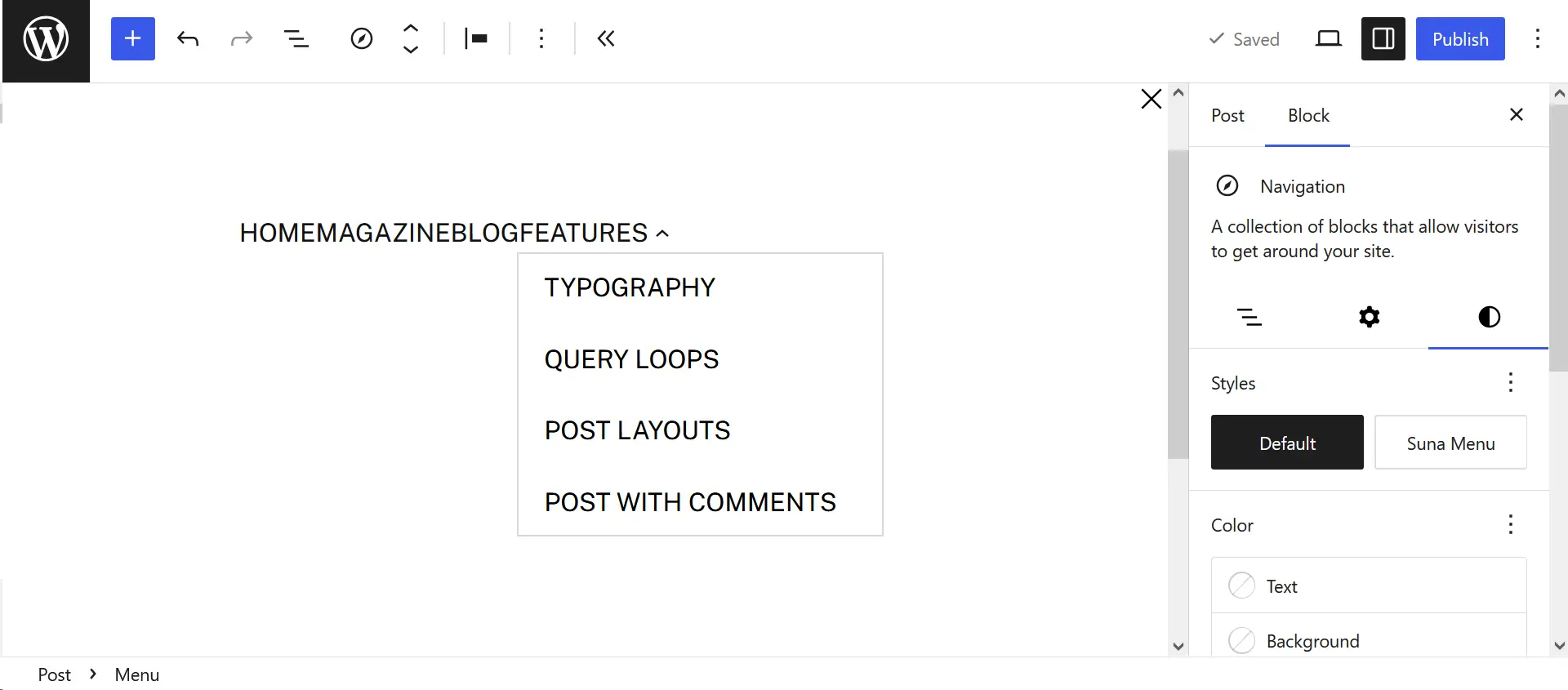
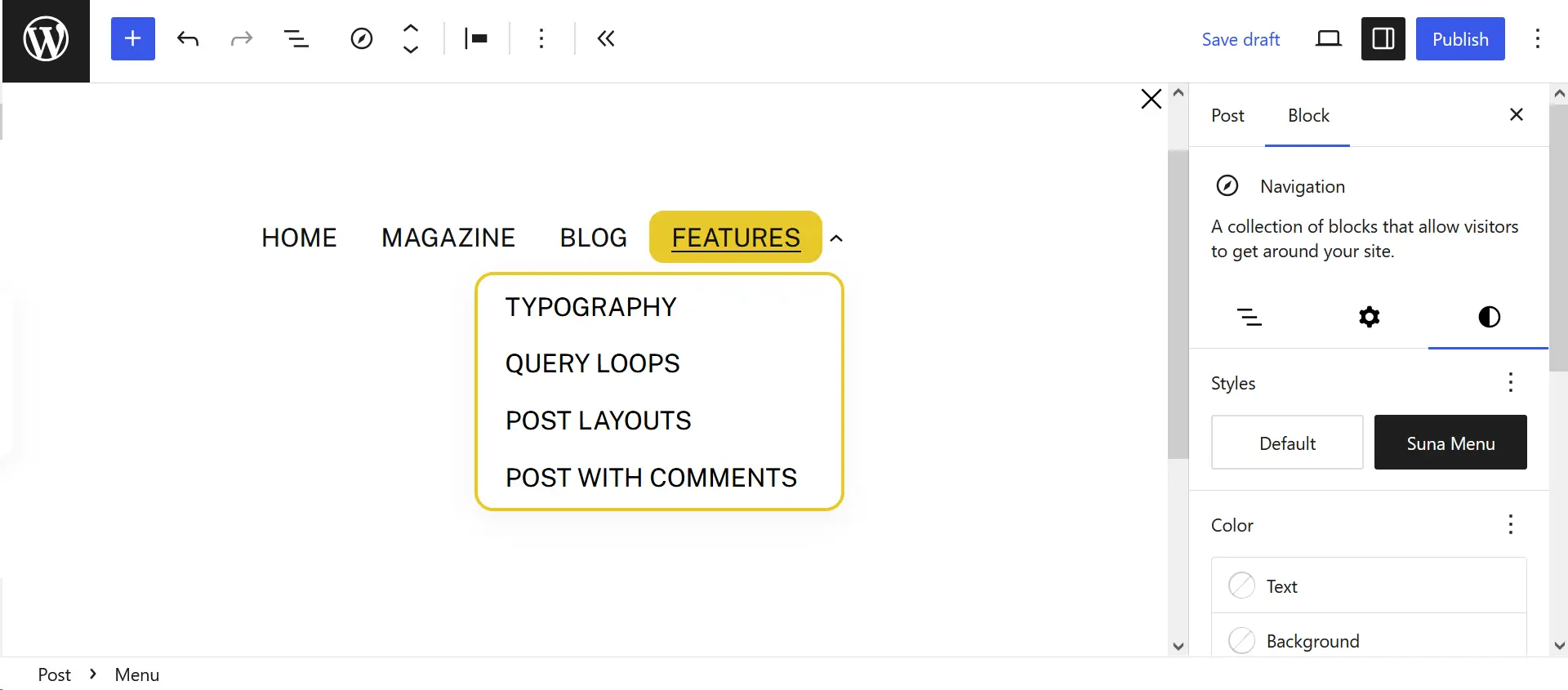
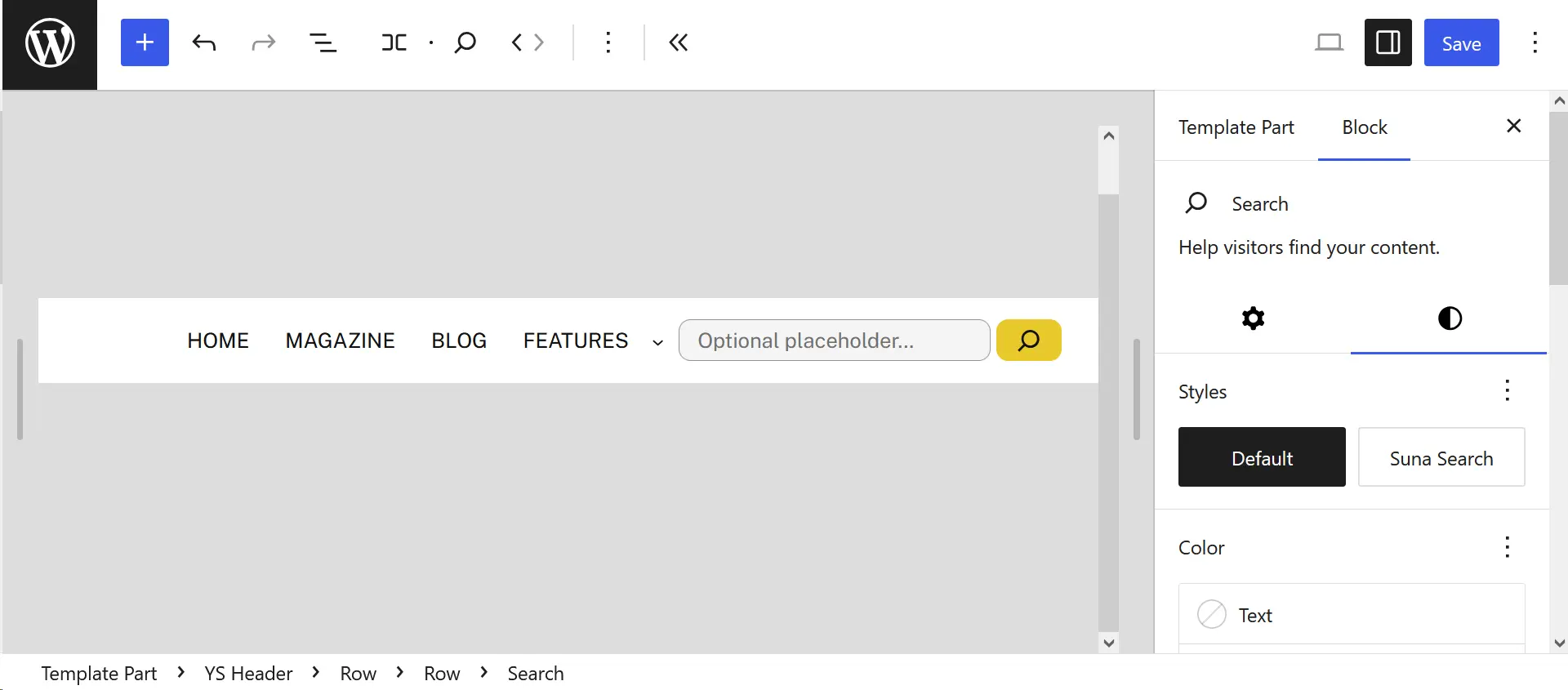
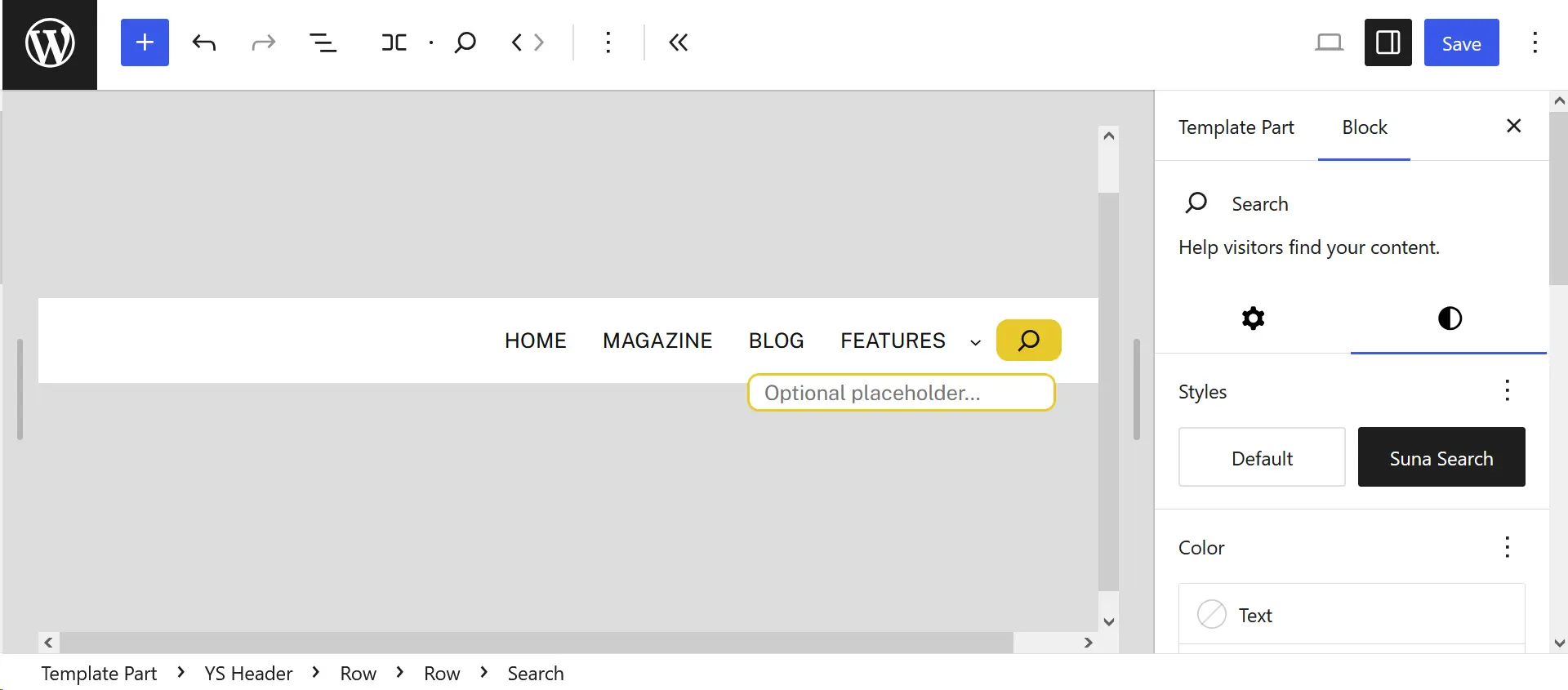
Suna Menu & Suna Search
Suna Menu is a custom style for the Navigation block, adding Yellow Suna’s distinctive hover effects, submenu styling and responsive mobile menu treatment. It is designed to work together with Suna Search, which complements the menu by positioning the search field beneath the navigation items when activated.
Suna Circle
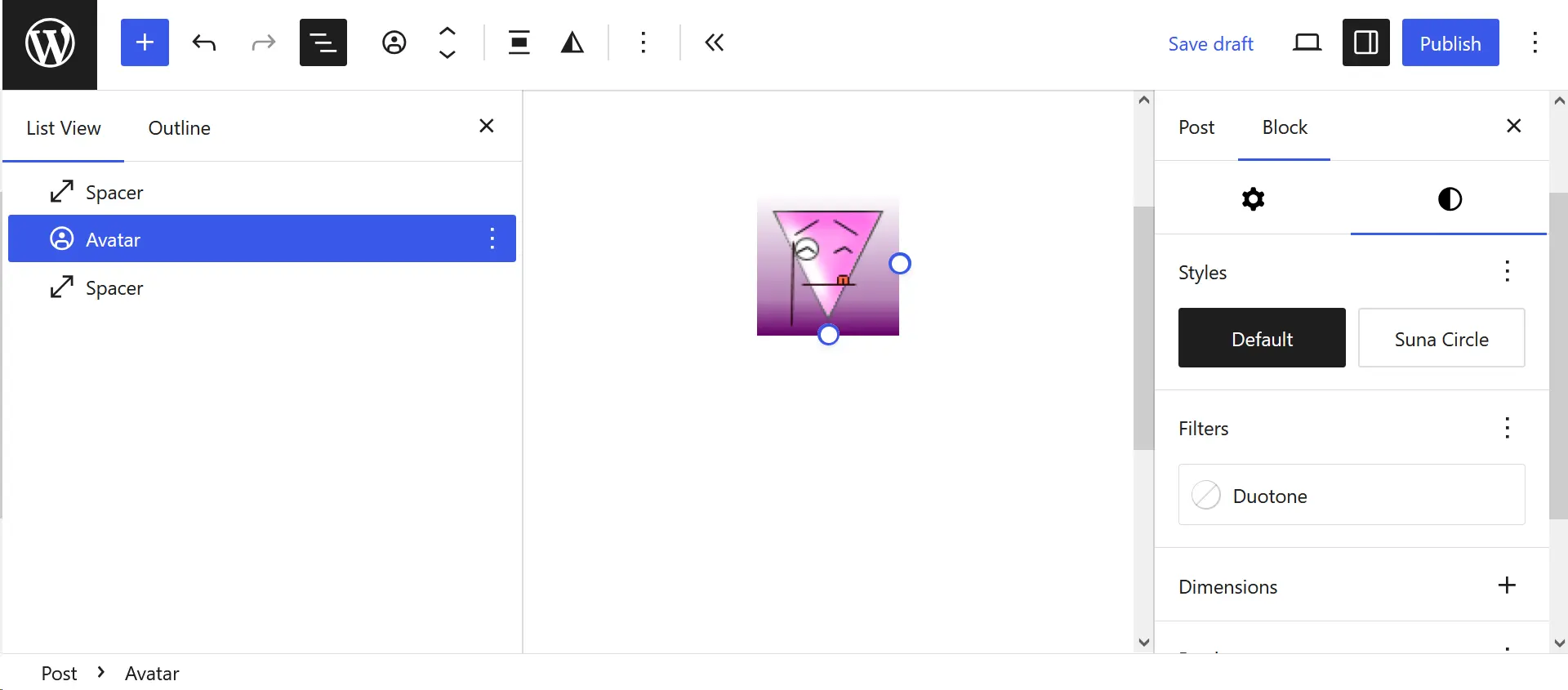
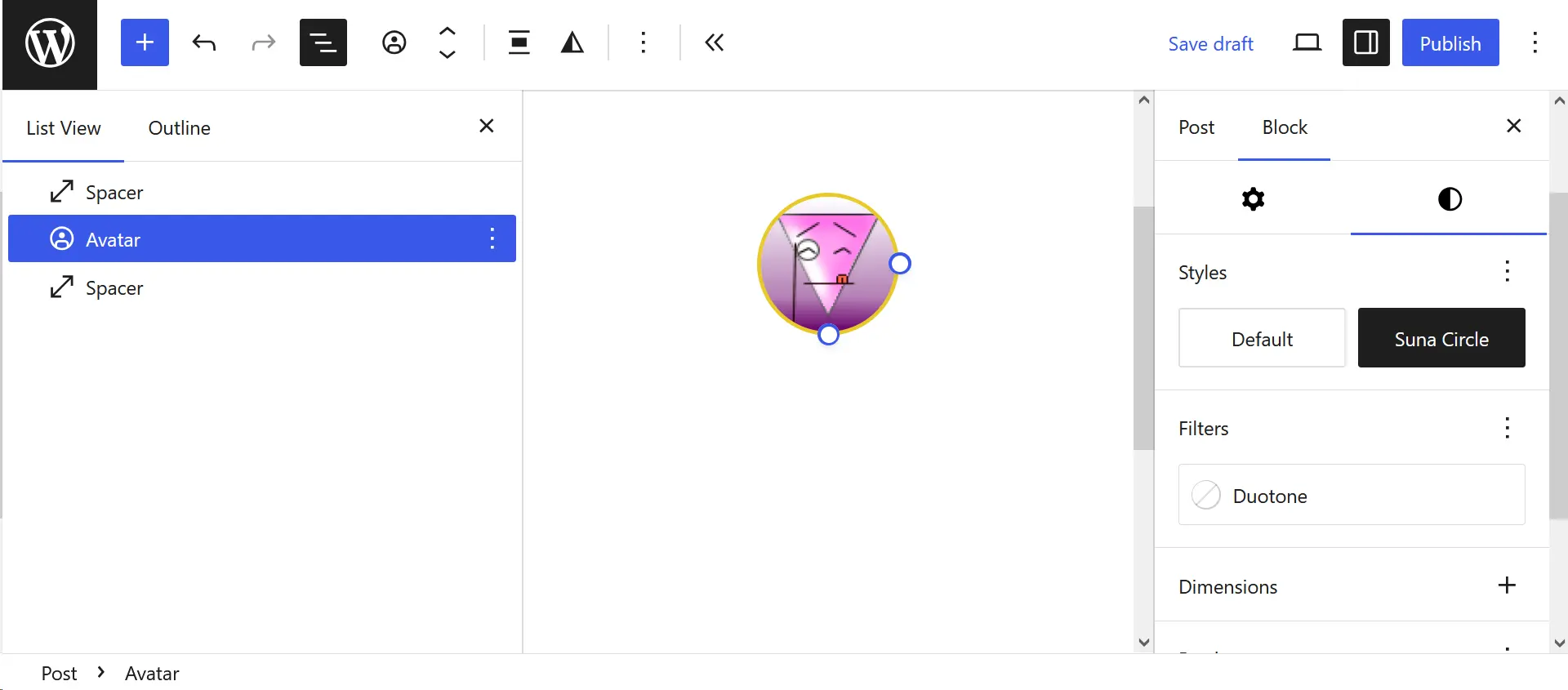
A custom style for the Avatar block that displays the avatar as a circular image with a Yellow Suna border.
Suna Responsive
A custom style for the Image block that keeps images contained within their available space while adapting responsively to the surrounding layout, helping prevent distortion of their proportions. It is particularly useful for the logo placed alongside the navigation menu.

Suna Border
A custom style for the Image block that adds Yellow Suna’s characteristic left-hand border.


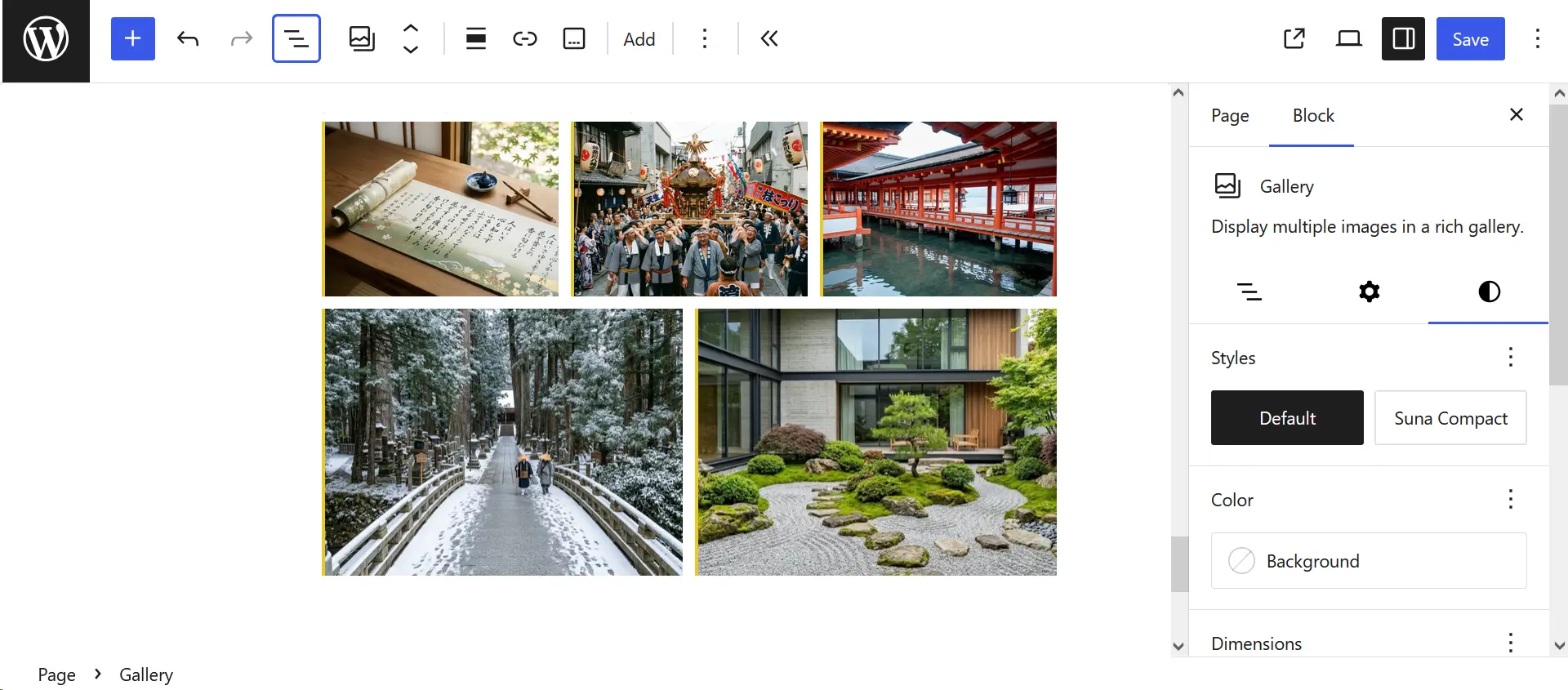
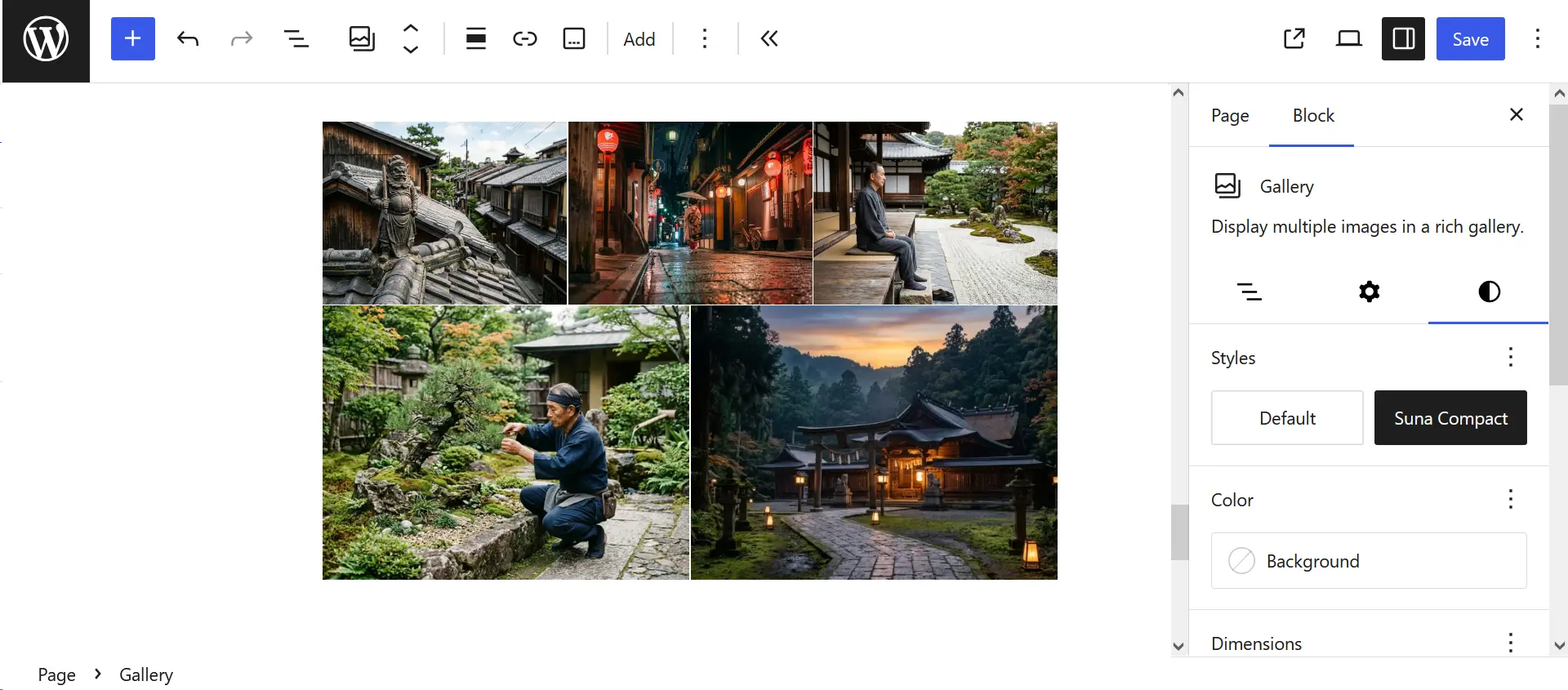
Suna Compact
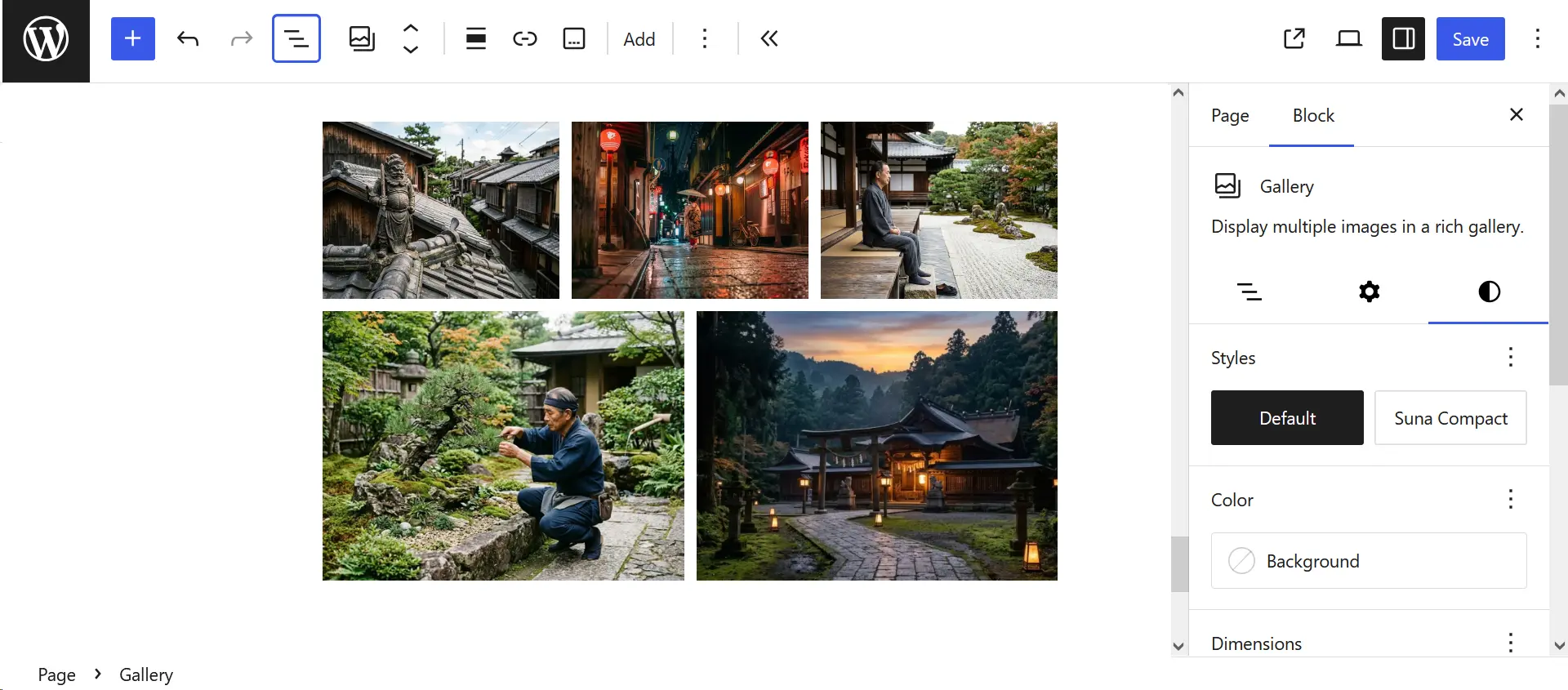
A custom style for the Gallery block that reduces the space between gallery images to create a more compact presentation.
Using Patterns and Block Styles
Patterns provide complete, ready-made layouts, while block styles provide alternative visual treatments for individual blocks.
Both can be combined with Yellow Suna’s color, typography and spacing presets and customized directly in the WordPress block editor.